1 min read
•1 hours ago
Spotlight got a huge upgrade in macOS Tahoe, here's how to use it
appleinsider.com
Tuesday, February 10, 2026
Apple's Spotlight feature has been around for a long time, but with macOS Tahoe, it enjoyed its biggest update in years. Here's how to make the most of its powerful new features.Spotlight has had a revamp with macOS TahoeSpotlight, never further than a keyboard shortcut away, has long been a quic...
Apple's Spotlight feature has been around for a long time, but with macOS Tahoe, it enjoyed its biggest update in years. Here's how to make the most of its powerful new features.
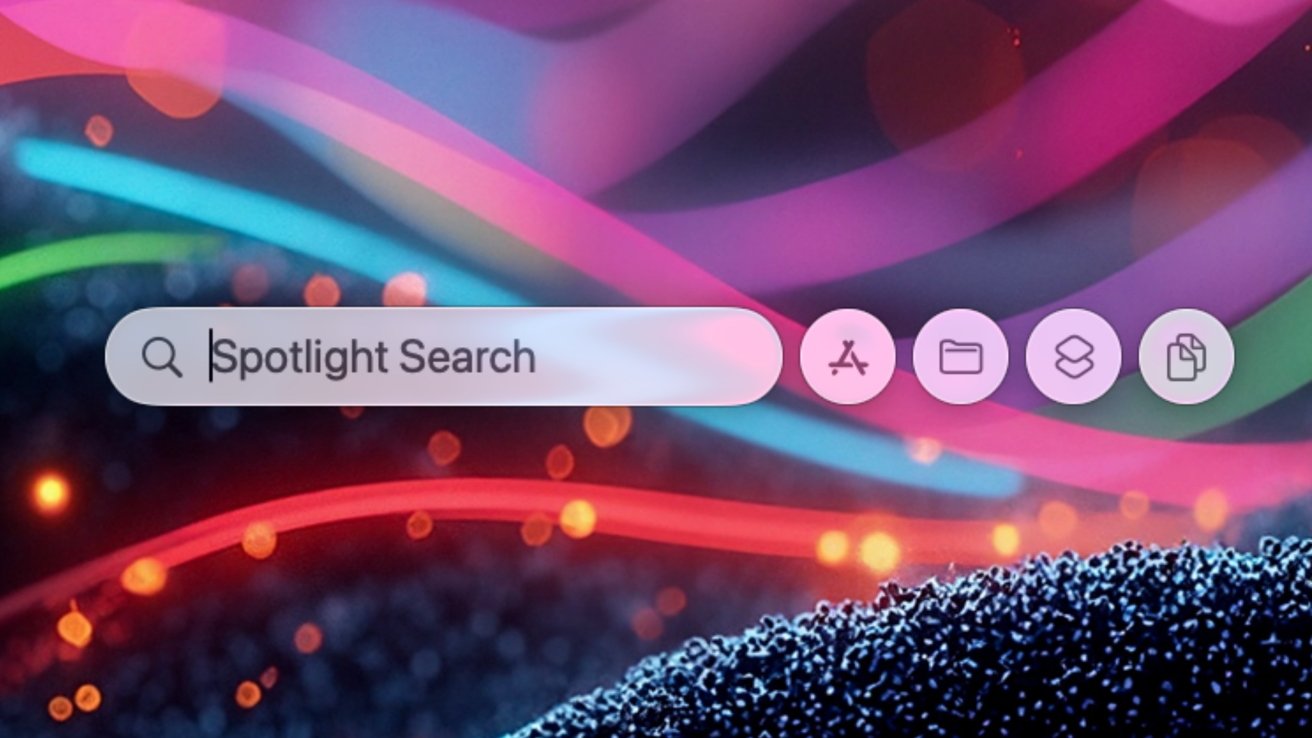
Spotlight has had a revamp with macOS Tahoe
Spotlight, never further than a keyboard shortcut away, has long been a quick and easy way to open apps and find files. But some Mac users chose to use more capable alternatives like Alfred and Raycast.
Yet now with macOS Tahoe, Spotlight offers many of the same power user features of those apps, without the need to install anything. And because it's built into macOS, it's absolutely free.
Continue Reading on AppleInsider | Discuss on our Forums
Spotlight has had a revamp with macOS Tahoe
Spotlight, never further than a keyboard shortcut away, has long been a quick and easy way to open apps and find files. But some Mac users chose to use more capable alternatives like Alfred and Raycast.
Yet now with macOS Tahoe, Spotlight offers many of the same power user features of those apps, without the need to install anything. And because it's built into macOS, it's absolutely free.
Continue Reading on AppleInsider | Discuss on our Forums
Read the full article
Continue reading on appleinsider.com


