1 min read
•1 hours ago
How to use filtering in Messages on iOS 26
appleinsider.com
Thursday, February 5, 2026
If your Messages inbox is catching a lot of stray, unwanted messages, we'll show you how to filter, report, and block spam messages on iOS 26.Learn how to filter, report, and block messages on iPhoneAt WWDC 2025, Apple announced that it would be bringing enhanced message filtering capabilities to...
If your Messages inbox is catching a lot of stray, unwanted messages, we'll show you how to filter, report, and block spam messages on iOS 26.
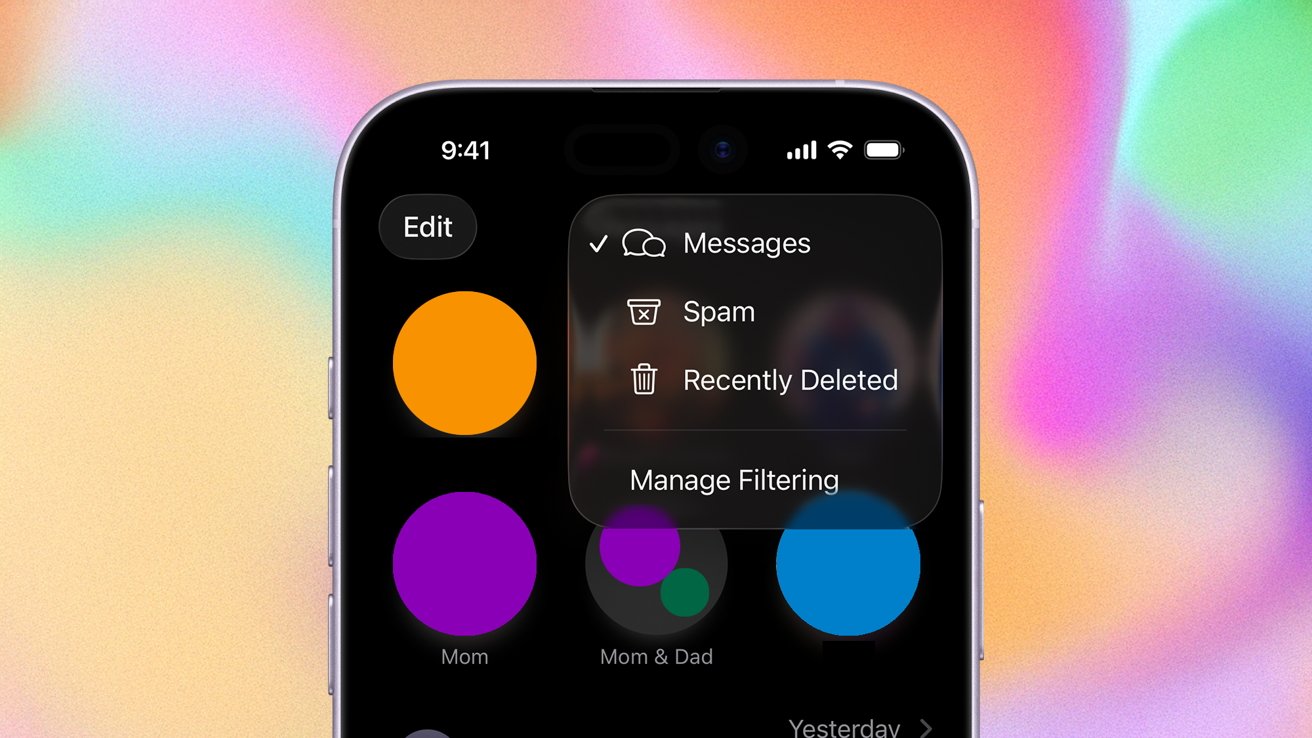
Learn how to filter, report, and block messages on iPhone
At WWDC 2025, Apple announced that it would be bringing enhanced message filtering capabilities to Messages. As promised, they rolled out as part of iOS 26, released in September 2025.
The new features are designed to help manage the onslaught of texts everyone seems to get these days. Here's how to do it.
Continue Reading on AppleInsider | Discuss on our Forums
Learn how to filter, report, and block messages on iPhone
At WWDC 2025, Apple announced that it would be bringing enhanced message filtering capabilities to Messages. As promised, they rolled out as part of iOS 26, released in September 2025.
The new features are designed to help manage the onslaught of texts everyone seems to get these days. Here's how to do it.
Continue Reading on AppleInsider | Discuss on our Forums
Read the full article
Continue reading on appleinsider.com


